
How businesses actually use Microsoft 365 Copilot
Microsoft 365 Copilot isn't just a feature: it's a practical tool your team can use every day to save time and get work done faster.
This page shows how Copilot is used in real business scenarios, by team and by industry, so you can see where it fits in your organisation and where the biggest wins are likely to be.
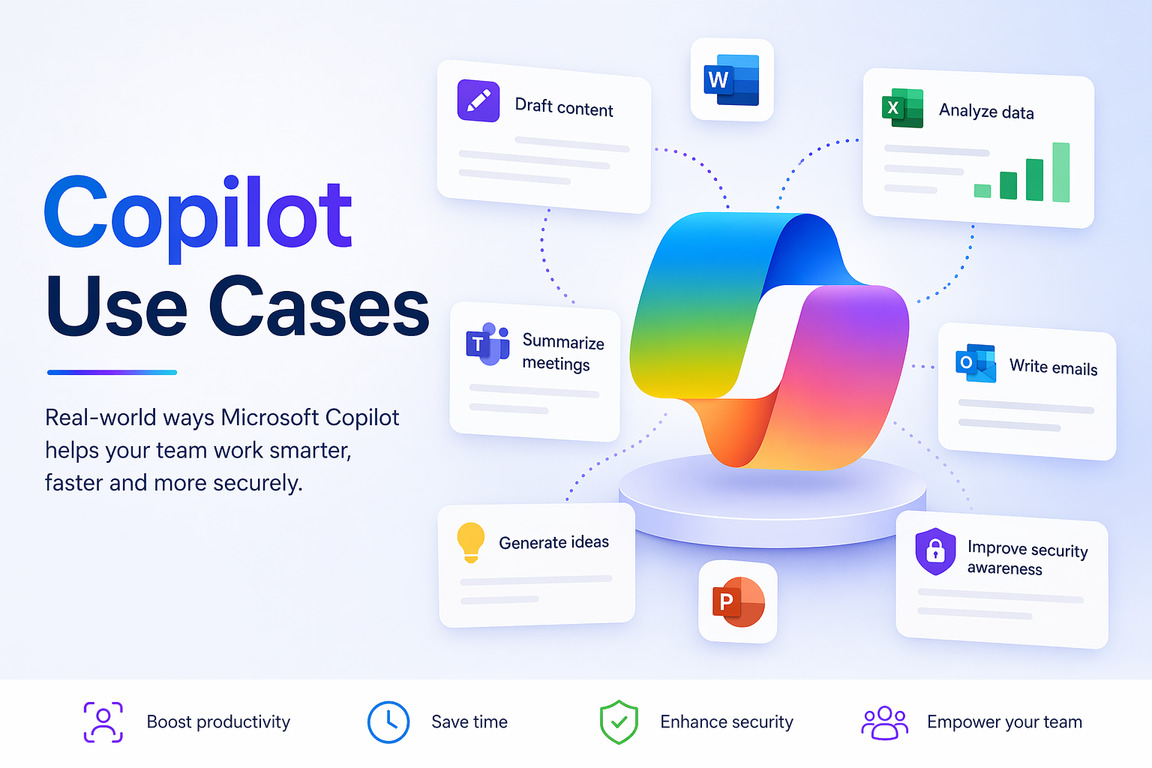
Some examples are simple (like drafting emails faster). Others go further (like summarising meetings or analysing data). We'll help you focus on the ones that actually make a difference in your business.
By team: where Copilot saves the most time
Owners and managers
Catch up on meetings and email fast. Summarise reports and turn them into updates. Draft staff and client communications.
Admin and operations
Draft documents and correspondence. Summarise and organise information. Speed up routine, repetitive writing.
Sales and business development
Draft proposals and follow-ups. Prepare for client meetings. Summarise client history before a call.
Finance
Analyse and summarise spreadsheets. Draft reports and commentary. Pull key numbers together quickly.
HR and people
Answer common policy questions via an agent. Draft position descriptions and comms. Streamline onboarding.
Marketing
Draft posts, newsletters and web copy. Repurpose one piece into many formats. Brainstorm campaigns and headlines.
Customer service
Draft clear, consistent responses. Summarise long threads and cases. Find answers from approved information fast.
Reception and front office
Draft and tidy everyday correspondence. Quickly find policy or product answers. Summarise messages and requests.
By industry: examples for your sector
Trades and construction
Draft quotes, variations and client updates. Summarise site meeting notes and emails. Look up safety docs and procedures via an agent.
Not-for-profits
Help draft grant applications and reports. Write donor, volunteer and member comms. Summarise board papers; answer volunteer policy questions via an agent.
Professional services
Draft client correspondence and engagement letters. Summarise contracts, documents and research. Capture meeting notes and action items automatically.
Ready to put AI to work?
A Copilot Discovery Session identifies the highest-value wins for your business, by team and by role.
Frequently asked questions
Will Copilot work for a business our size?
Yes. Copilot is particularly useful for small and medium businesses where staff spend a lot of time on emails, documents, meetings and admin tasks.
Which roles benefit most from Copilot?
Typically admin, operations, managers, sales and anyone working heavily in Microsoft 365. We help identify where it will save the most time in your team.
Do the same use cases apply across different industries?
Many do. Core tasks like email, documents and meetings are similar across industries, but we tailor use cases to match how your business actually operates.
Do we need to change how we work to use Copilot?
No, Copilot works inside the tools you already use. The key is using it properly, which we cover in training and real-world examples.
How quickly will we see value?
Most businesses see early wins within the first few weeks, especially during a pilot with the right group of users.
What if our team isn't technical?
That's fine. Copilot is designed to be used in plain English. We focus on practical training so your team can use it confidently without technical knowledge.
Can Copilot replace staff or automate entire roles?
No. It's designed to assist with tasks like writing, summarising and analysing, not replace decision-making or people.
How do we know where to start?
Start with the roles that spend the most time on repetitive work. A Copilot Discovery Session helps map this out clearly.